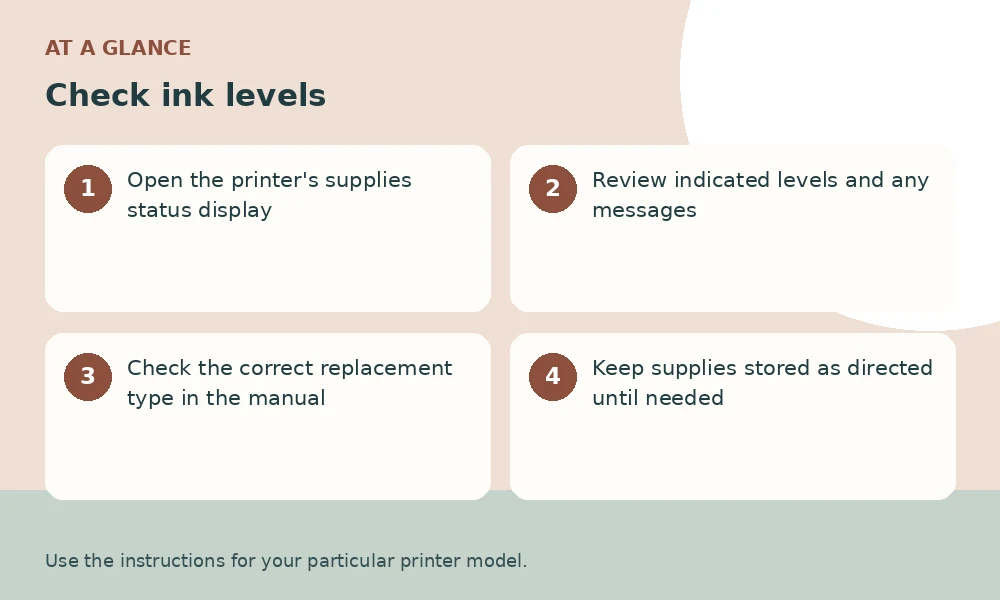
Check ink levels
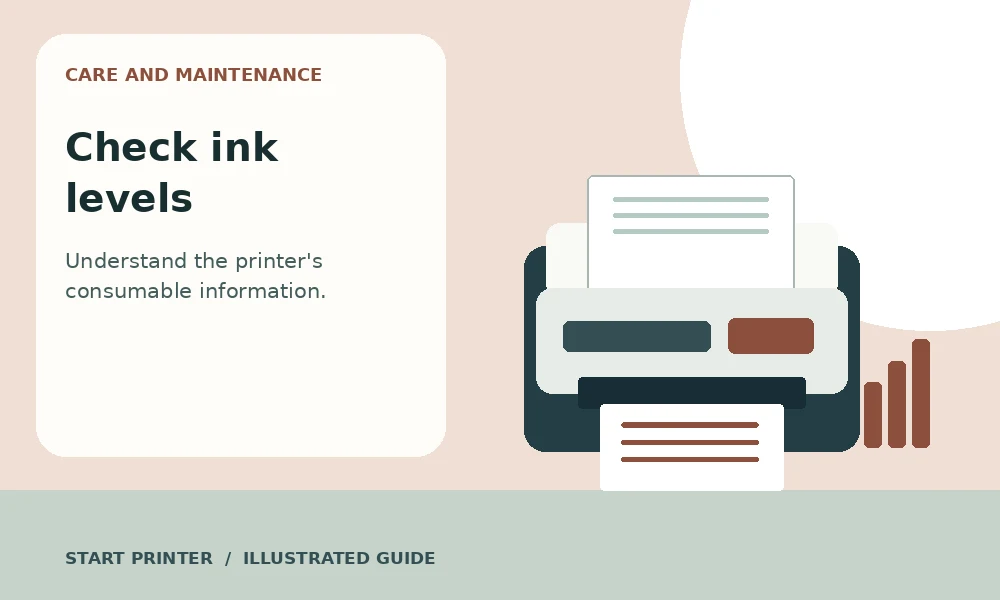
Understand the printer's consumable information.
Step-by-step guide
Open the printer's supplies status display
Check your printer documentation if the controls or parts differ from the illustration.
Review indicated levels and any messages
Pause if an on-screen message appears and read it before proceeding.
Check the correct replacement type in the manual
Keep the settings consistent with the paper and device you actually use.
Keep supplies stored as directed until needed
Displayed levels are estimates and may differ from the actual amount remaining.
Printer features and menu labels vary by model. Check the equipment documentation for model-specific instructions, supported supplies and safety precautions.
Browse all guides →