Print a PDF document
Use a preview to verify PDF page layout.
Step-by-step guide
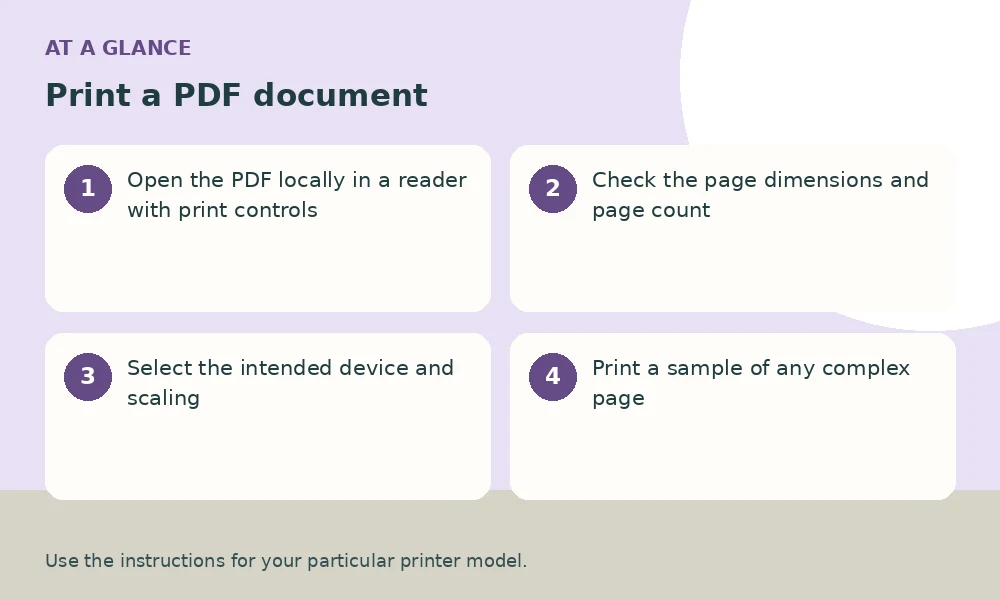
Open the PDF locally in a reader with print controls
Check your printer documentation if the controls or parts differ from the illustration.
Check the page dimensions and page count
Pause if an on-screen message appears and read it before proceeding.
Select the intended device and scaling
Keep the settings consistent with the paper and device you actually use.
Print a sample of any complex page
Password-restricted PDFs may have printing restrictions set by their creator.
Printer features and menu labels vary by model. Check the equipment documentation for model-specific instructions, supported supplies and safety precautions.
Browse all guides →