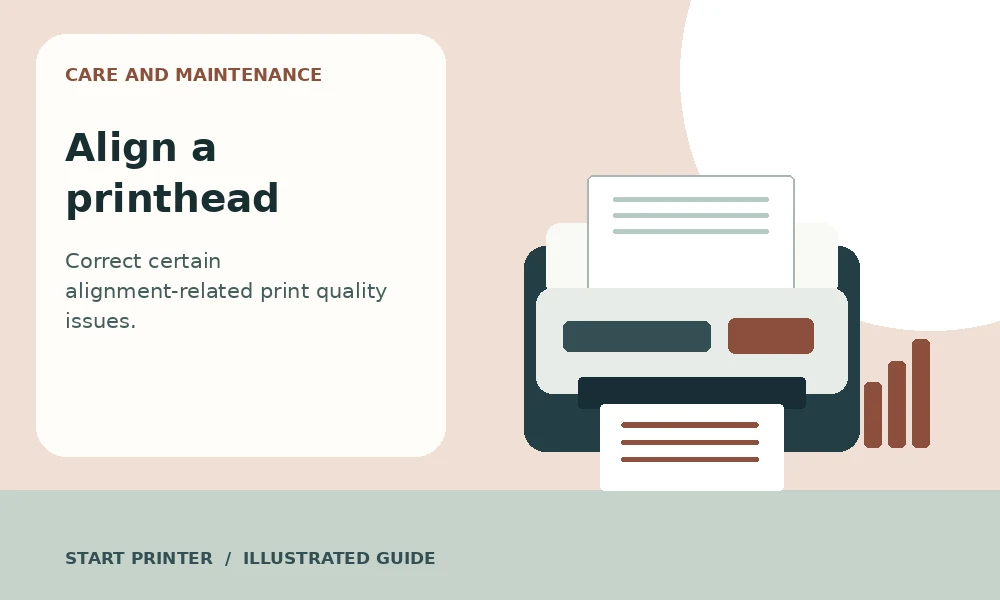
Align a printhead
Correct certain alignment-related print quality issues.
Step-by-step guide
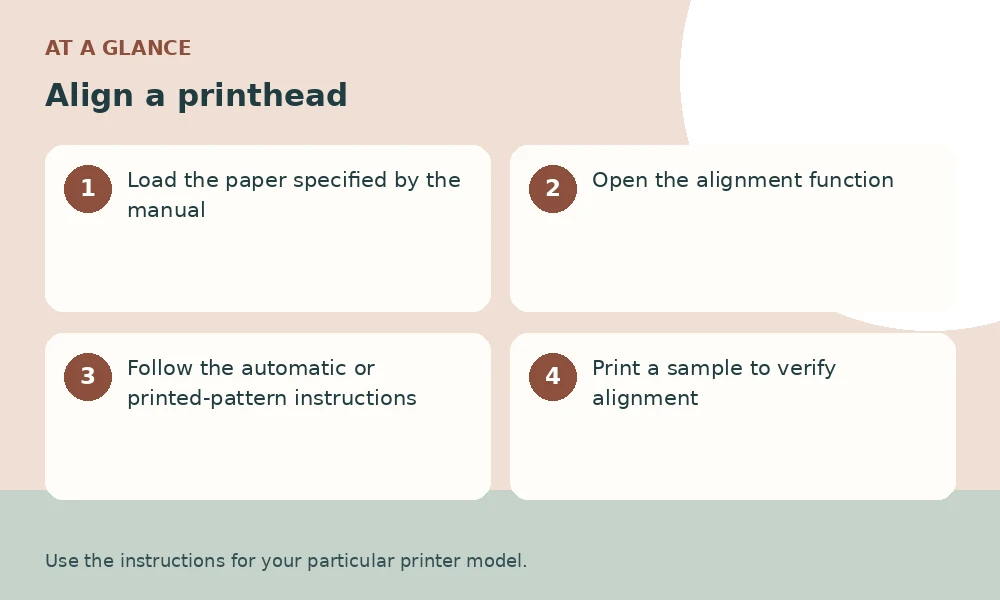
Load the paper specified by the manual
Check your printer documentation if the controls or parts differ from the illustration.
Open the alignment function
Pause if an on-screen message appears and read it before proceeding.
Follow the automatic or printed-pattern instructions
Keep the settings consistent with the paper and device you actually use.
Print a sample to verify alignment
A poor alignment result can also come from incompatible paper or blocked nozzles.
Printer features and menu labels vary by model. Check the equipment documentation for model-specific instructions, supported supplies and safety precautions.
Browse all guides →