Choose a location for your printer
A stable, accessible spot makes everyday printing easier.
Step-by-step guide
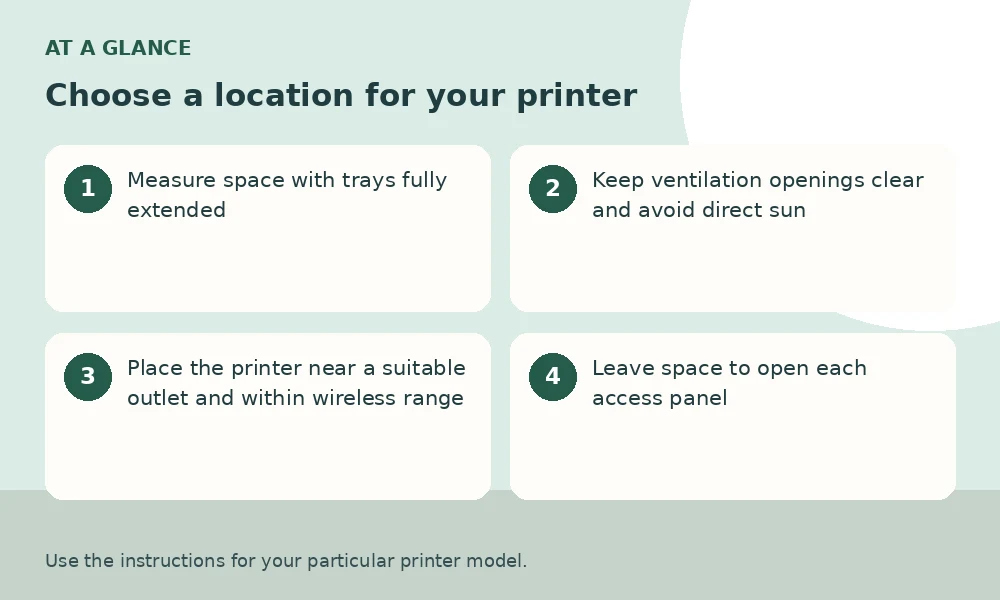
Measure space with trays fully extended
Check your printer documentation if the controls or parts differ from the illustration.
Keep ventilation openings clear and avoid direct sun
Pause if an on-screen message appears and read it before proceeding.
Place the printer near a suitable outlet and within wireless range
Keep the settings consistent with the paper and device you actually use.
Leave space to open each access panel
If output curls or feeds unevenly, check that the surface is flat and the paper is stored dry.
Printer features and menu labels vary by model. Check the equipment documentation for model-specific instructions, supported supplies and safety precautions.
Browse all guides →