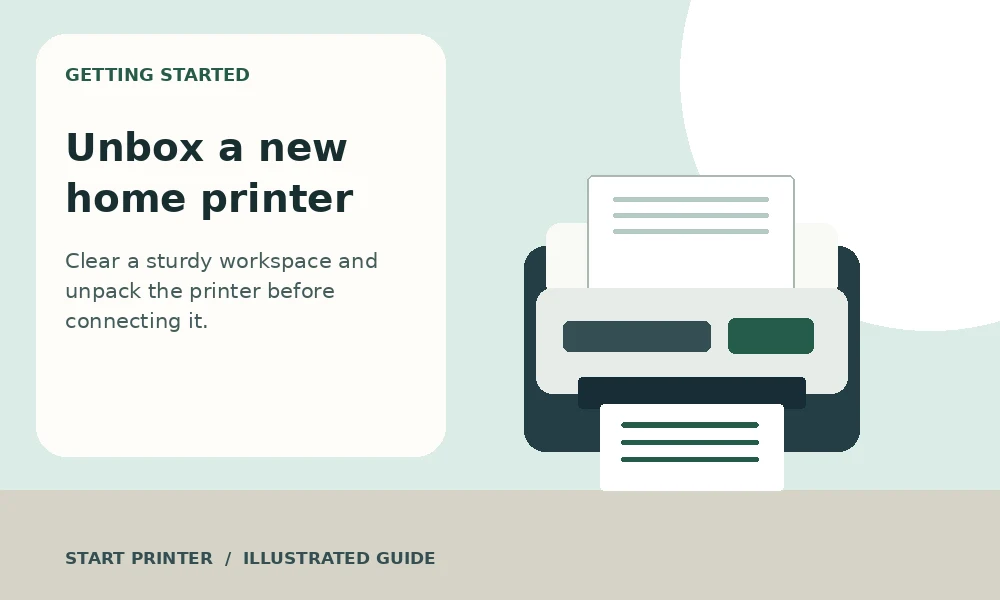
Unbox a new home printer
Clear a sturdy workspace and unpack the printer before connecting it.
Step-by-step guide
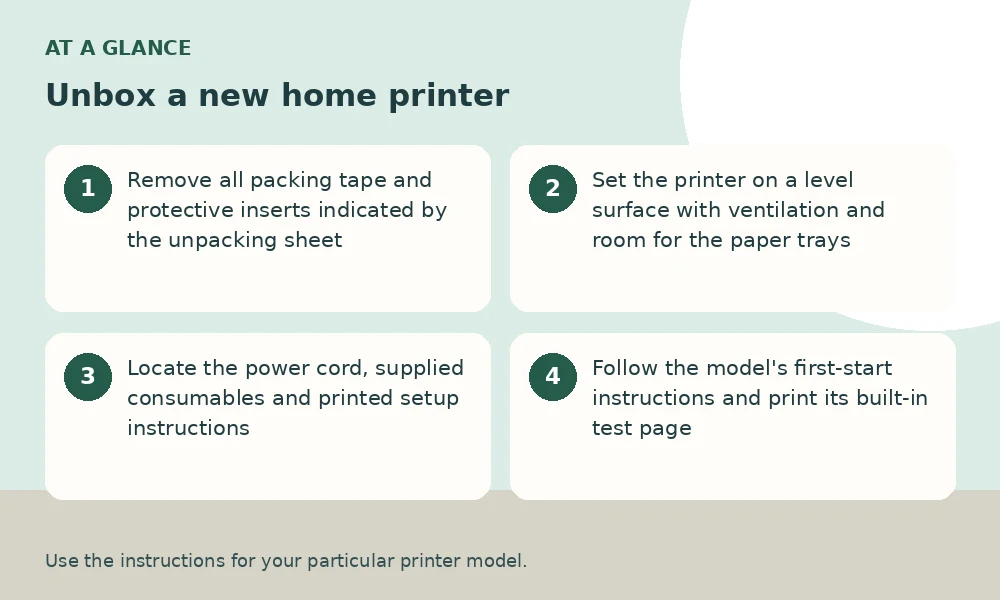
Remove all packing tape and protective inserts indicated by the unpacking sheet
Check your printer documentation if the controls or parts differ from the illustration.
Set the printer on a level surface with ventilation and room for the paper trays
Pause if an on-screen message appears and read it before proceeding.
Locate the power cord, supplied consumables and printed setup instructions
Keep the settings consistent with the paper and device you actually use.
Follow the model's first-start instructions and print its built-in test page
If a carriage or door is blocked, switch off and inspect for remaining packaging. Never force a moving part.
Printer features and menu labels vary by model. Check the equipment documentation for model-specific instructions, supported supplies and safety precautions.
Browse all guides →