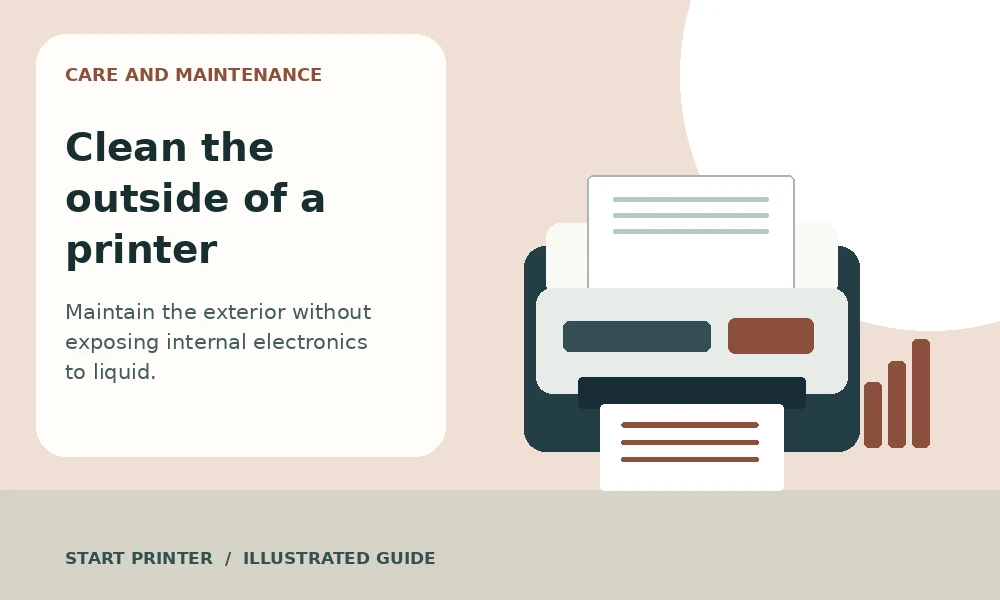
Clean the outside of a printer
Maintain the exterior without exposing internal electronics to liquid.
Step-by-step guide
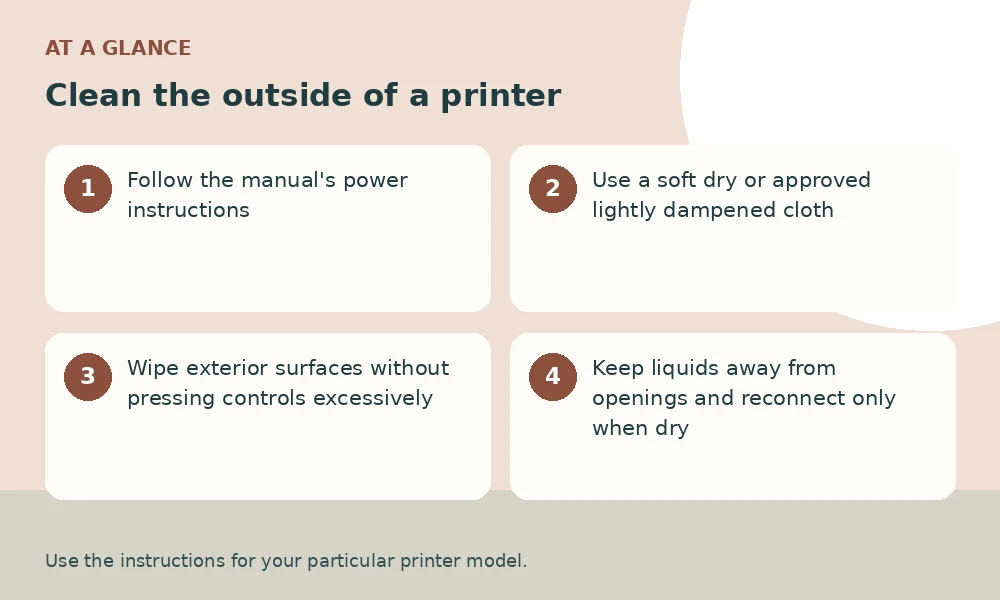
Follow the manual's power instructions
Check your printer documentation if the controls or parts differ from the illustration.
Use a soft dry or approved lightly dampened cloth
Pause if an on-screen message appears and read it before proceeding.
Wipe exterior surfaces without pressing controls excessively
Keep the settings consistent with the paper and device you actually use.
Keep liquids away from openings and reconnect only when dry
Never spray cleaning solution directly onto a printer.
Printer features and menu labels vary by model. Check the equipment documentation for model-specific instructions, supported supplies and safety precautions.
Browse all guides →