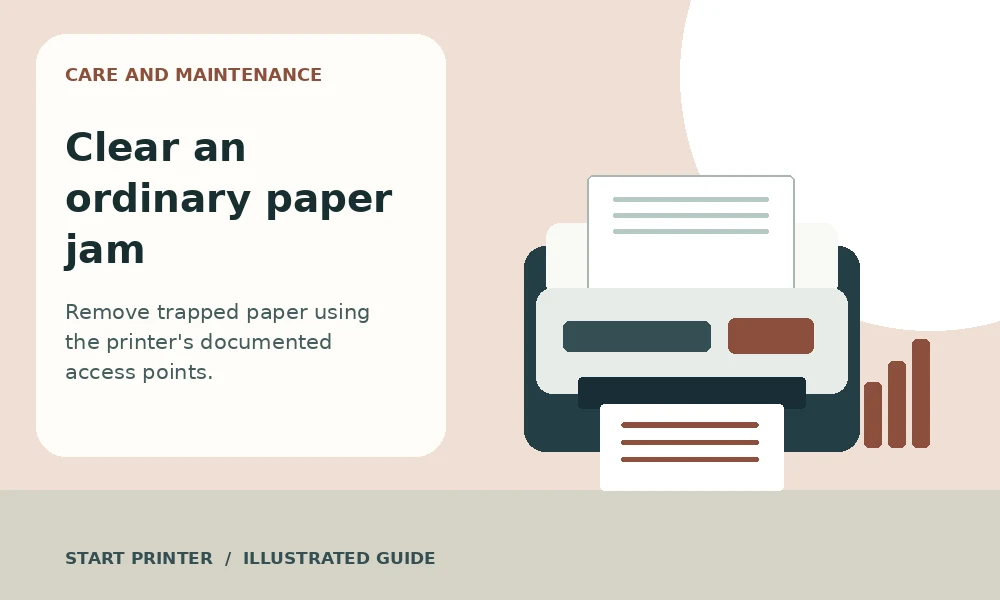
Clear an ordinary paper jam
Remove trapped paper using the printer's documented access points.
Step-by-step guide
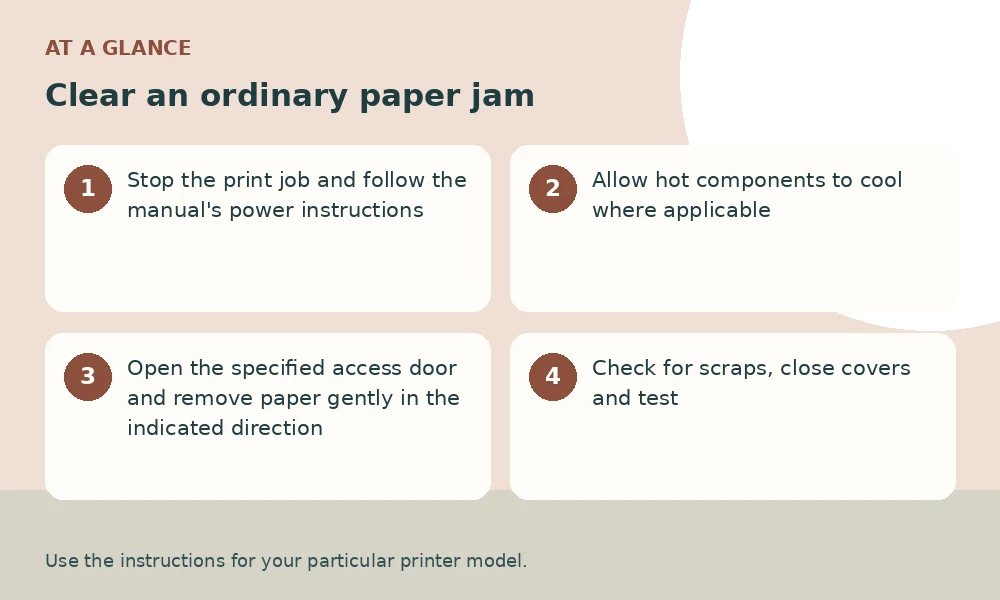
Stop the print job and follow the manual's power instructions
Check your printer documentation if the controls or parts differ from the illustration.
Allow hot components to cool where applicable
Pause if an on-screen message appears and read it before proceeding.
Open the specified access door and remove paper gently in the indicated direction
Keep the settings consistent with the paper and device you actually use.
Check for scraps, close covers and test
Stop if paper is inaccessible or a component resists movement. Avoid sharp tools and forcing parts.
Printer features and menu labels vary by model. Check the equipment documentation for model-specific instructions, supported supplies and safety precautions.
Browse all guides →