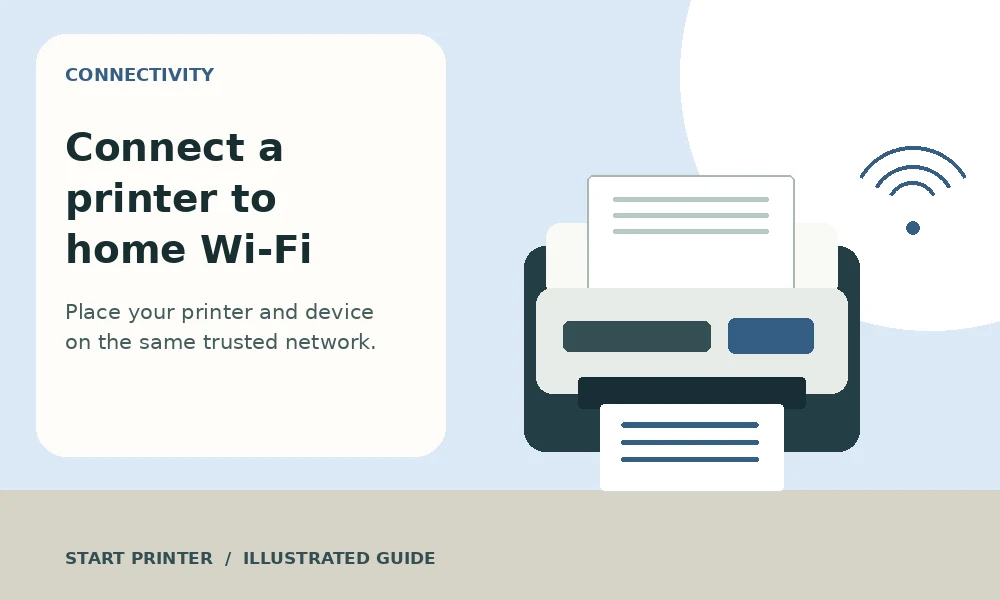
Connect a printer to home Wi-Fi
Place your printer and device on the same trusted network.
Step-by-step guide
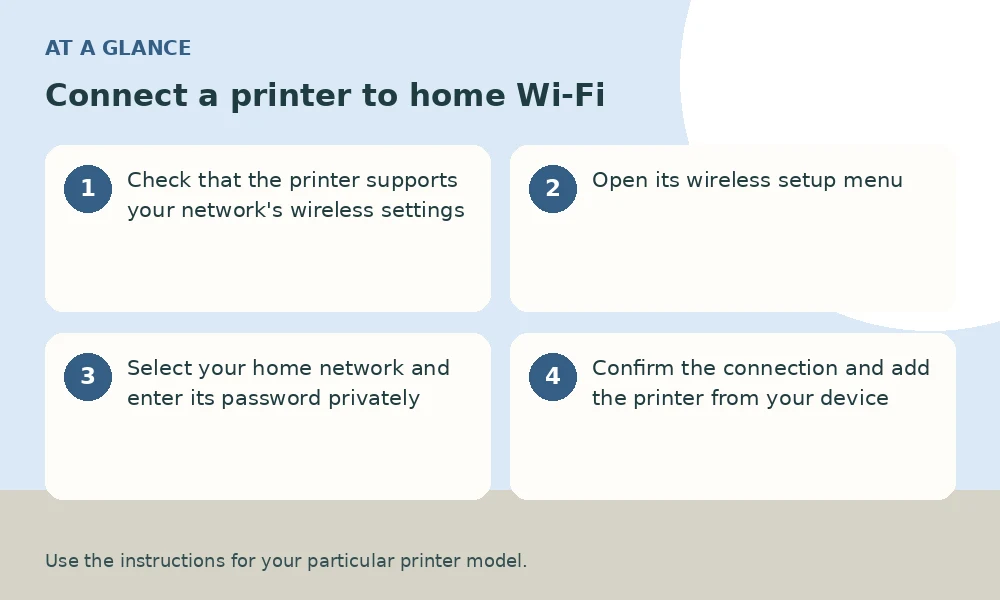
Check that the printer supports your network's wireless settings
Check your printer documentation if the controls or parts differ from the illustration.
Open its wireless setup menu
Pause if an on-screen message appears and read it before proceeding.
Select your home network and enter its password privately
Keep the settings consistent with the paper and device you actually use.
Confirm the connection and add the printer from your device
Guest networks may isolate devices. Use your own trusted network and check the printer's supported bands.
Printer features and menu labels vary by model. Check the equipment documentation for model-specific instructions, supported supplies and safety precautions.
Browse all guides →