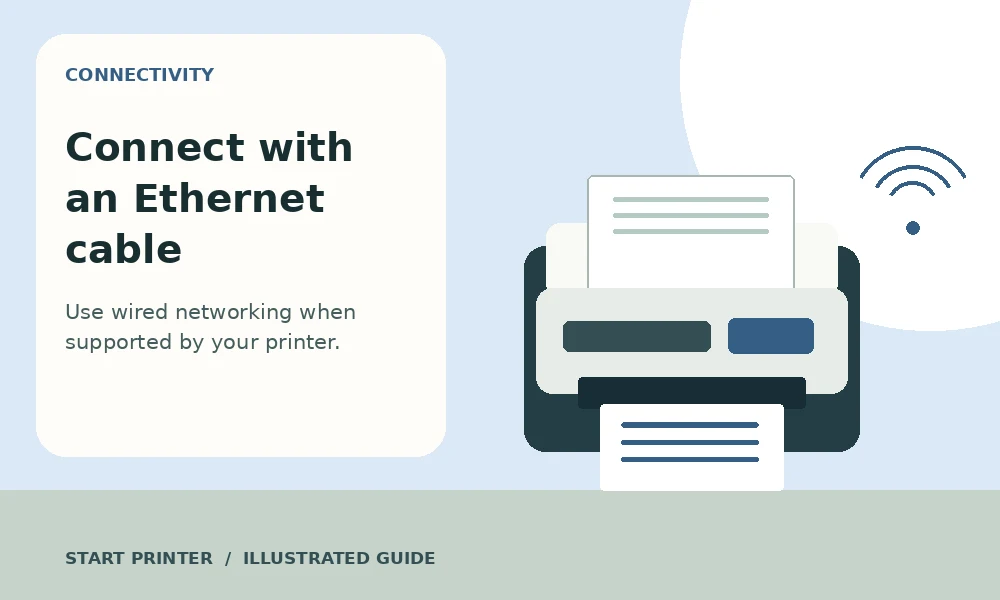
Connect with an Ethernet cable
Use wired networking when supported by your printer.
Step-by-step guide
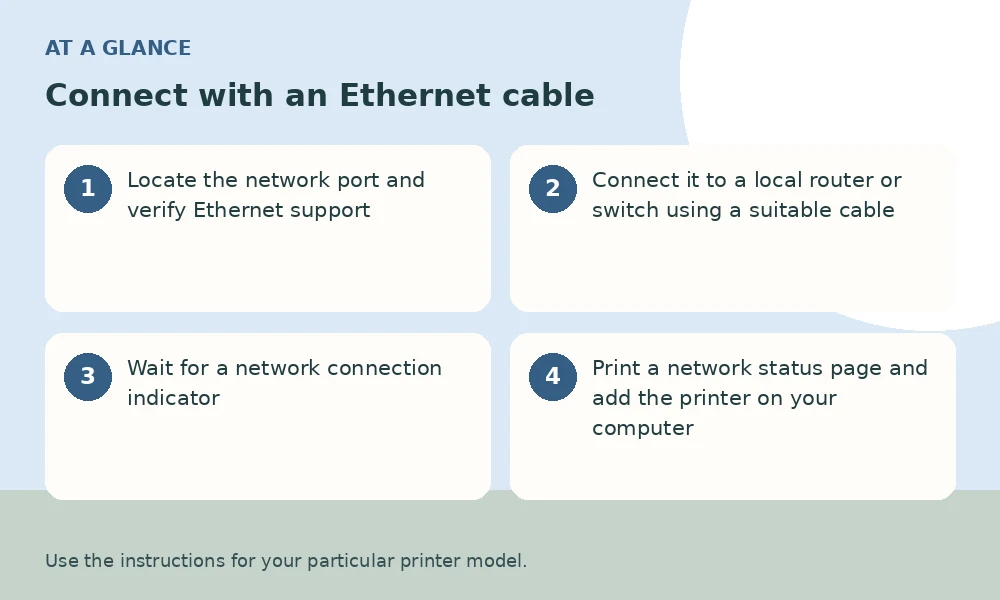
Locate the network port and verify Ethernet support
Check your printer documentation if the controls or parts differ from the illustration.
Connect it to a local router or switch using a suitable cable
Pause if an on-screen message appears and read it before proceeding.
Wait for a network connection indicator
Keep the settings consistent with the paper and device you actually use.
Print a network status page and add the printer on your computer
A USB port is different from an Ethernet port. Never force a connector.
Printer features and menu labels vary by model. Check the equipment documentation for model-specific instructions, supported supplies and safety precautions.
Browse all guides →