Load paper correctly
Good paper preparation helps the feeding mechanism work consistently.
Step-by-step guide
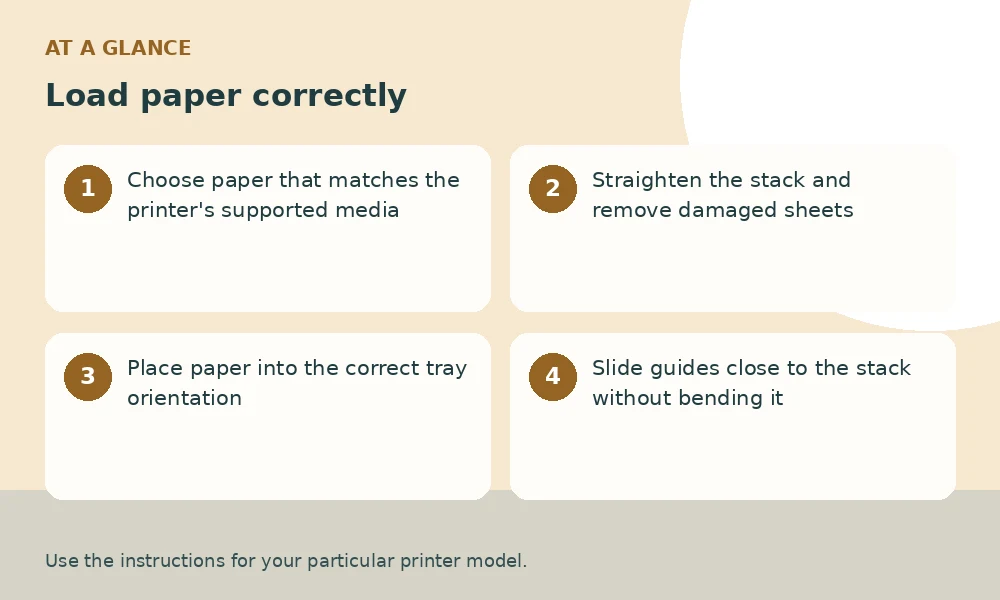
Choose paper that matches the printer's supported media
Check your printer documentation if the controls or parts differ from the illustration.
Straighten the stack and remove damaged sheets
Pause if an on-screen message appears and read it before proceeding.
Place paper into the correct tray orientation
Keep the settings consistent with the paper and device you actually use.
Slide guides close to the stack without bending it
Overfilled trays and tight guides can cause multiple sheets to feed together.
Printer features and menu labels vary by model. Check the equipment documentation for model-specific instructions, supported supplies and safety precautions.
Browse all guides →