Print envelopes
Check envelope compatibility and orientation before printing.
Step-by-step guide
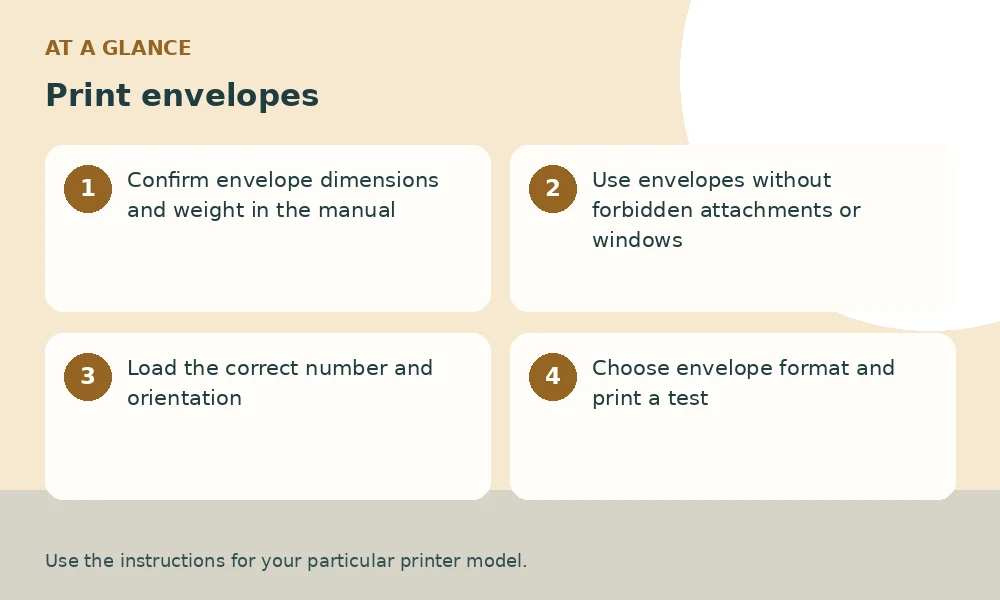
Confirm envelope dimensions and weight in the manual
Check your printer documentation if the controls or parts differ from the illustration.
Use envelopes without forbidden attachments or windows
Pause if an on-screen message appears and read it before proceeding.
Load the correct number and orientation
Keep the settings consistent with the paper and device you actually use.
Choose envelope format and print a test
Heat-sensitive or unsuitable envelopes can deform or damage equipment.
Printer features and menu labels vary by model. Check the equipment documentation for model-specific instructions, supported supplies and safety precautions.
Browse all guides →