Manage printer sleep settings
Understand how energy-saving modes affect everyday availability.
Step-by-step guide
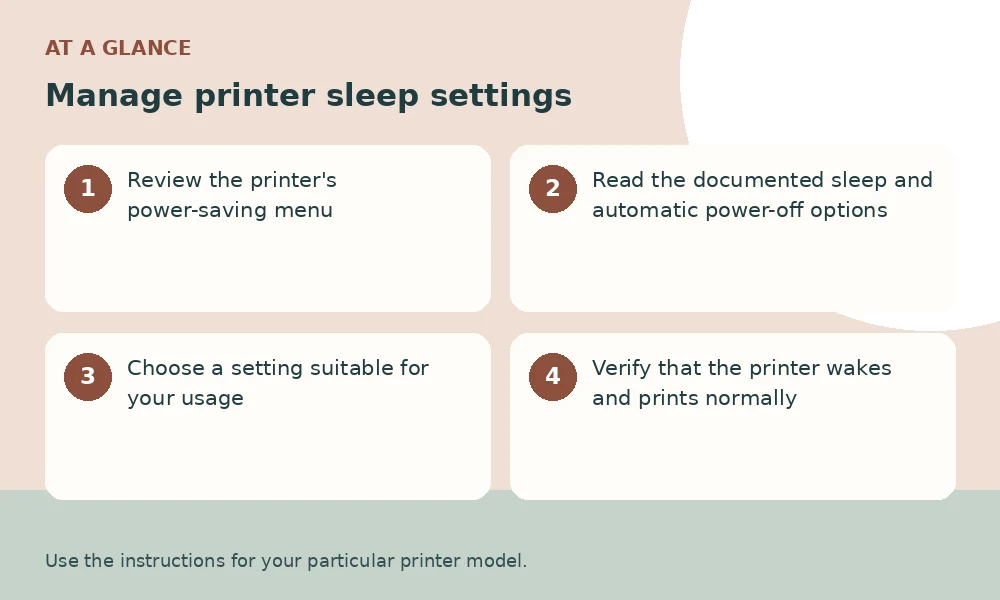
Review the printer's power-saving menu
Check your printer documentation if the controls or parts differ from the illustration.
Read the documented sleep and automatic power-off options
Pause if an on-screen message appears and read it before proceeding.
Choose a setting suitable for your usage
Keep the settings consistent with the paper and device you actually use.
Verify that the printer wakes and prints normally
Certain connection modes may behave differently after automatic power-off.
Printer features and menu labels vary by model. Check the equipment documentation for model-specific instructions, supported supplies and safety precautions.
Browse all guides →