Store printer paper properly
Prevent moisture and damage before paper reaches the tray.
Step-by-step guide
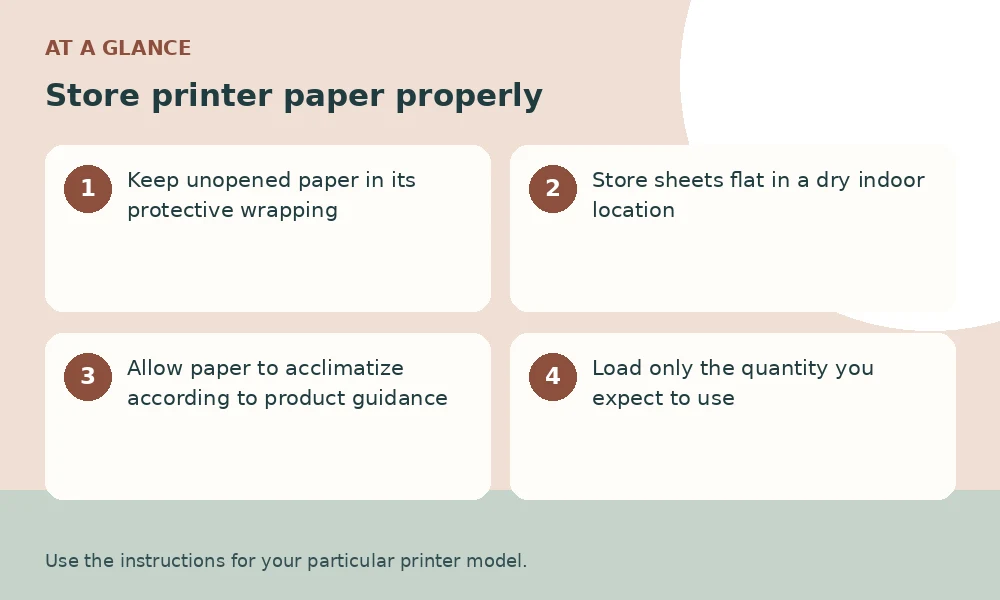
Keep unopened paper in its protective wrapping
Check your printer documentation if the controls or parts differ from the illustration.
Store sheets flat in a dry indoor location
Pause if an on-screen message appears and read it before proceeding.
Allow paper to acclimatize according to product guidance
Keep the settings consistent with the paper and device you actually use.
Load only the quantity you expect to use
Damp, curled or torn sheets may cause feed or print-quality problems.
Printer features and menu labels vary by model. Check the equipment documentation for model-specific instructions, supported supplies and safety precautions.
Browse all guides →