Improve printer wireless reception
Reduce ordinary signal problems around the home.
Step-by-step guide
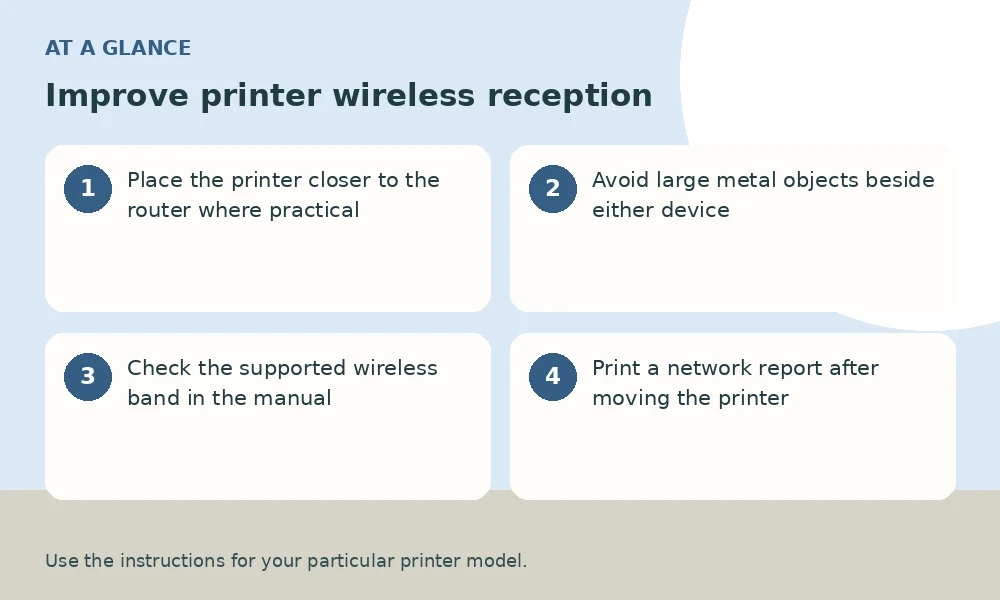
Place the printer closer to the router where practical
Check your printer documentation if the controls or parts differ from the illustration.
Avoid large metal objects beside either device
Pause if an on-screen message appears and read it before proceeding.
Check the supported wireless band in the manual
Keep the settings consistent with the paper and device you actually use.
Print a network report after moving the printer
Repeated disconnects may also be caused by router settings or an outdated printer configuration.
Printer features and menu labels vary by model. Check the equipment documentation for model-specific instructions, supported supplies and safety precautions.
Browse all guides →