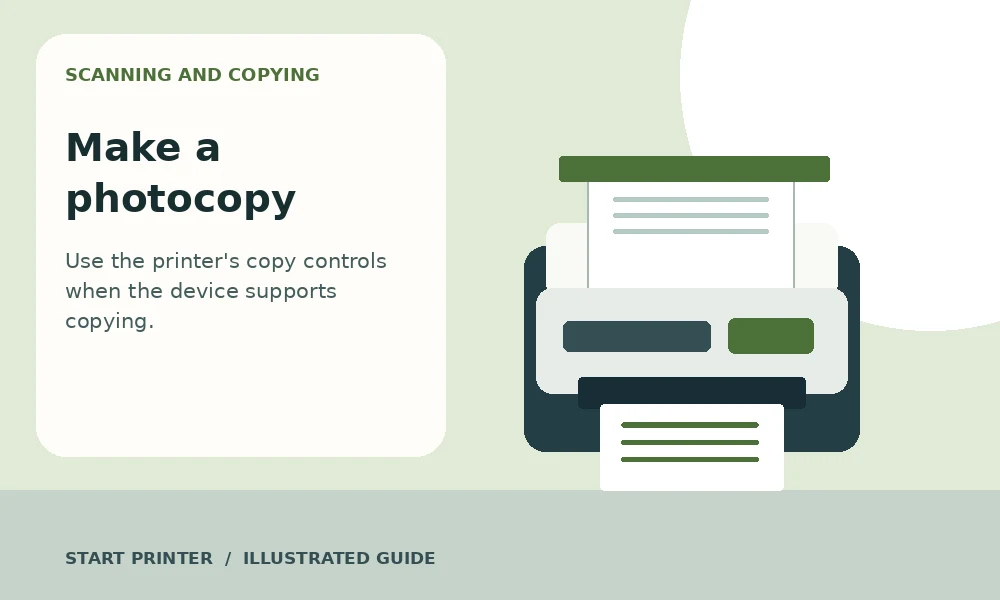
Make a photocopy
Use the printer's copy controls when the device supports copying.
Step-by-step guide
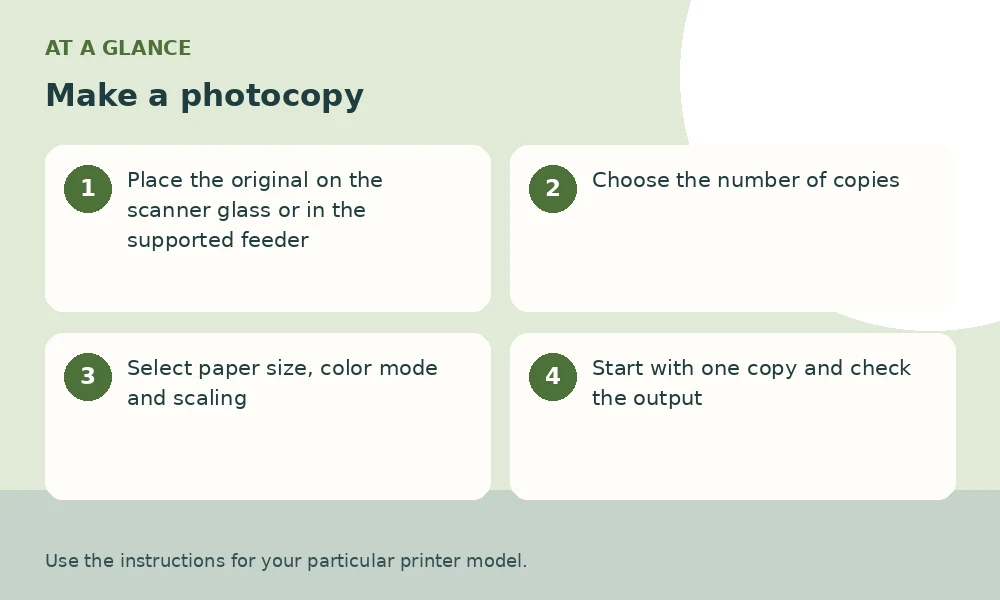
Place the original on the scanner glass or in the supported feeder
Check your printer documentation if the controls or parts differ from the illustration.
Choose the number of copies
Pause if an on-screen message appears and read it before proceeding.
Select paper size, color mode and scaling
Keep the settings consistent with the paper and device you actually use.
Start with one copy and check the output
If shadows appear, check that the original is flat and the scanner glass is clean.
Printer features and menu labels vary by model. Check the equipment documentation for model-specific instructions, supported supplies and safety precautions.
Browse all guides →