Scan a single page
Create a readable digital file from a paper original.
Step-by-step guide
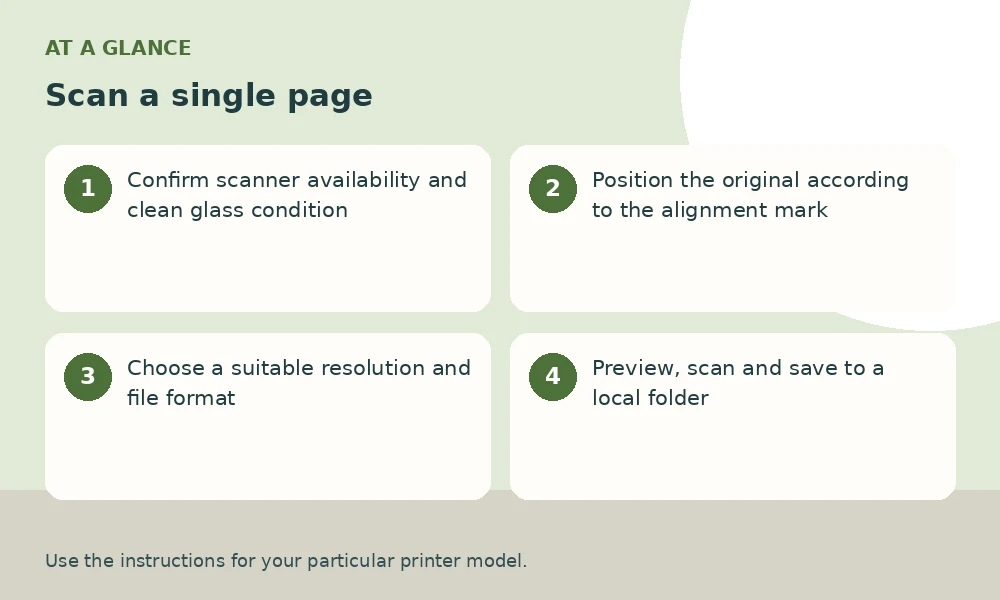
Confirm scanner availability and clean glass condition
Check your printer documentation if the controls or parts differ from the illustration.
Position the original according to the alignment mark
Pause if an on-screen message appears and read it before proceeding.
Choose a suitable resolution and file format
Keep the settings consistent with the paper and device you actually use.
Preview, scan and save to a local folder
Check that the document is complete and correctly oriented before discarding a working copy.
Printer features and menu labels vary by model. Check the equipment documentation for model-specific instructions, supported supplies and safety precautions.
Browse all guides →