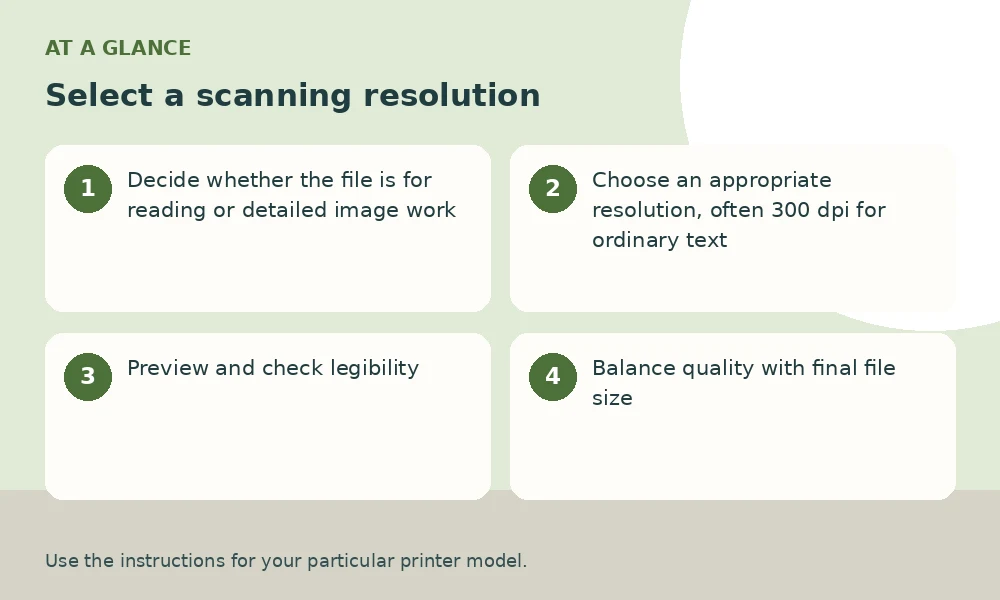
Select a scanning resolution
Choose detail appropriate for the original material.
Step-by-step guide
Decide whether the file is for reading or detailed image work
Check your printer documentation if the controls or parts differ from the illustration.
Choose an appropriate resolution, often 300 dpi for ordinary text
Pause if an on-screen message appears and read it before proceeding.
Preview and check legibility
Keep the settings consistent with the paper and device you actually use.
Balance quality with final file size
Higher resolution increases storage requirements and may not improve a low-detail original.
Printer features and menu labels vary by model. Check the equipment documentation for model-specific instructions, supported supplies and safety precautions.
Browse all guides →